
Desktop app
Ovis for Mac sets everything up in one click, with no terminal needed.

Ovis is the client for herdr. Read and answer Claude Code, Codex and every other agent on your computer from your phone, your desktop or any browser, as a chat or in the live terminal.
iPhone and Android apps are in beta. Join the beta
Free, no account. Ovis for Mac is ready to download, and any browser works today.
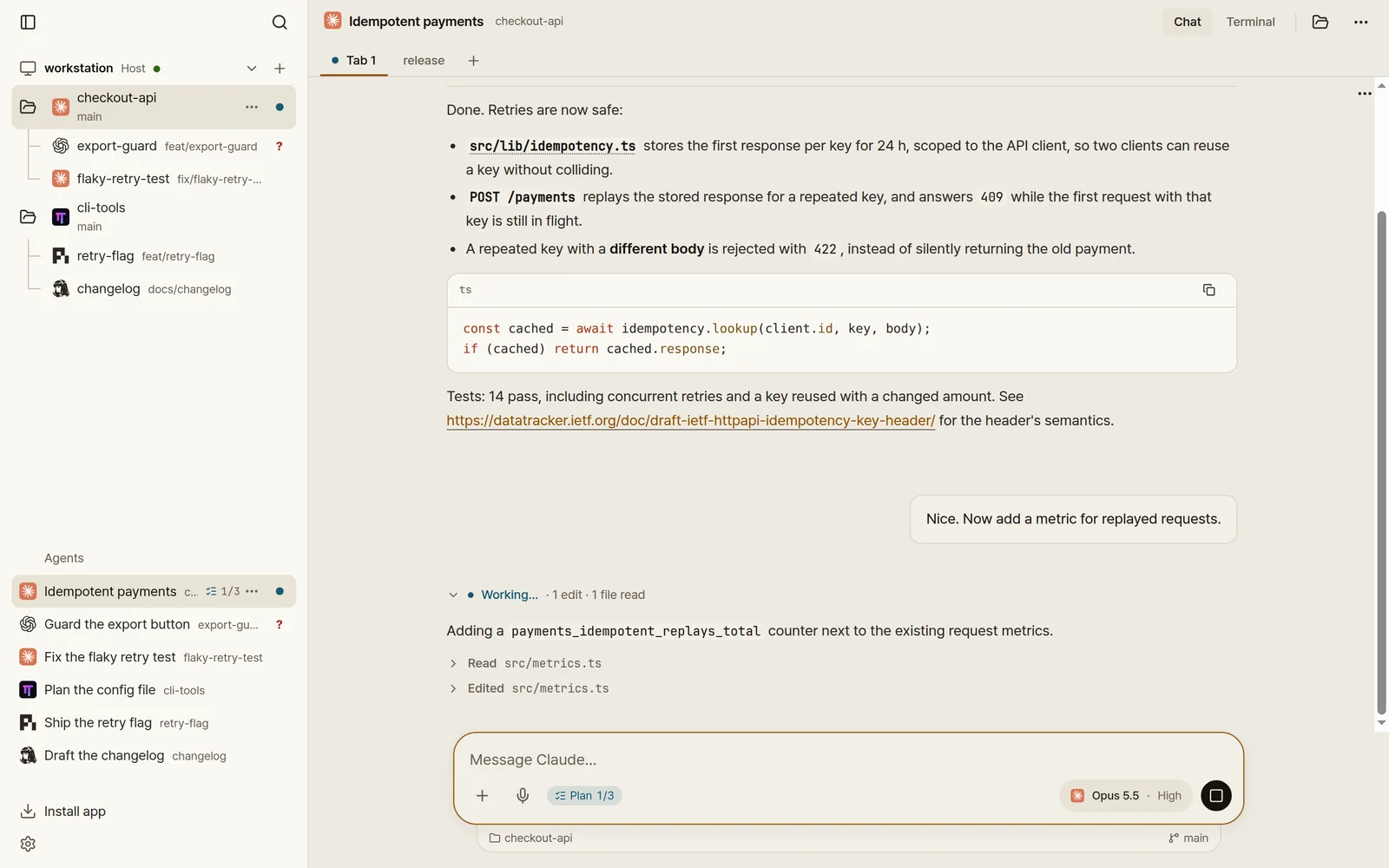
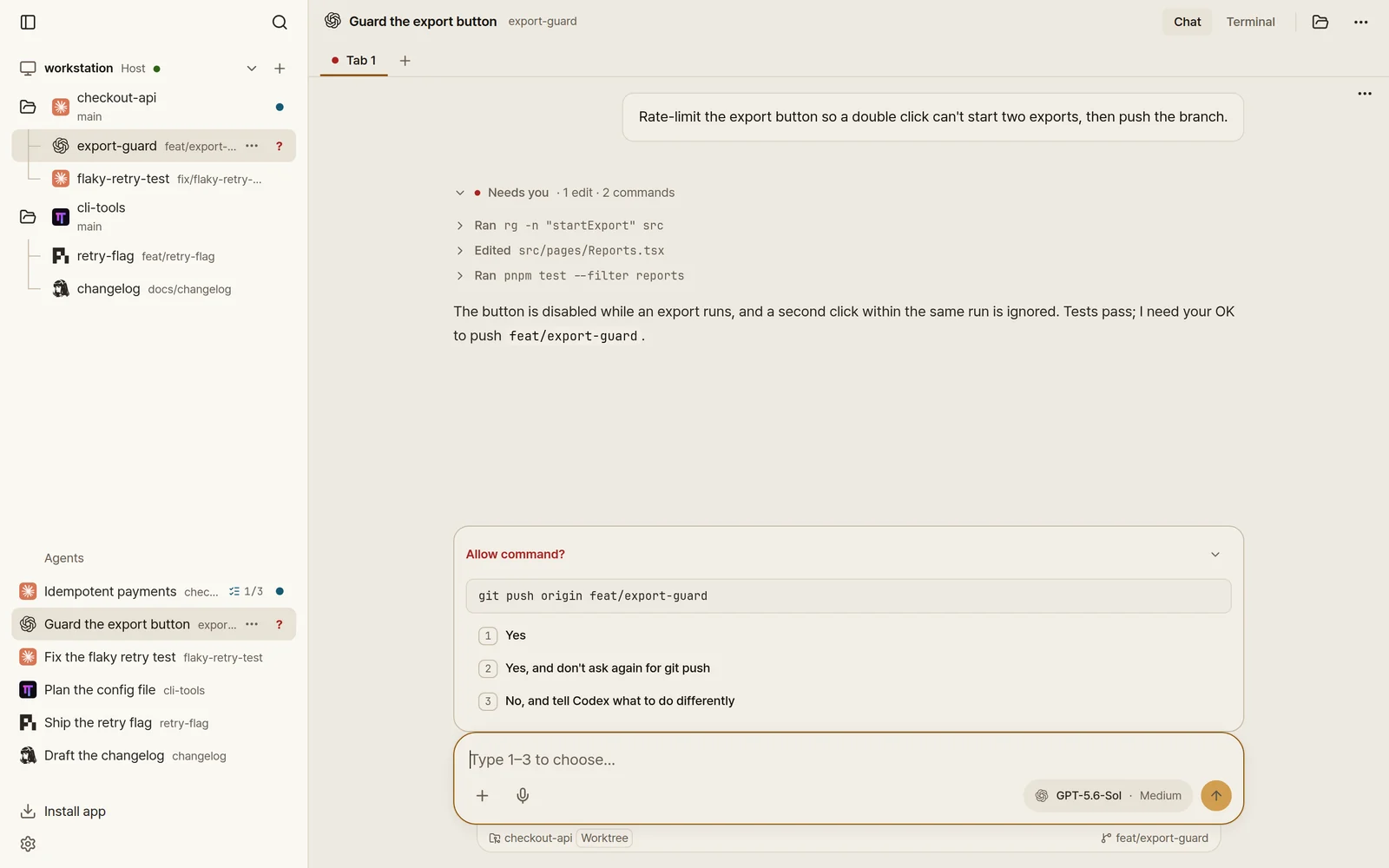
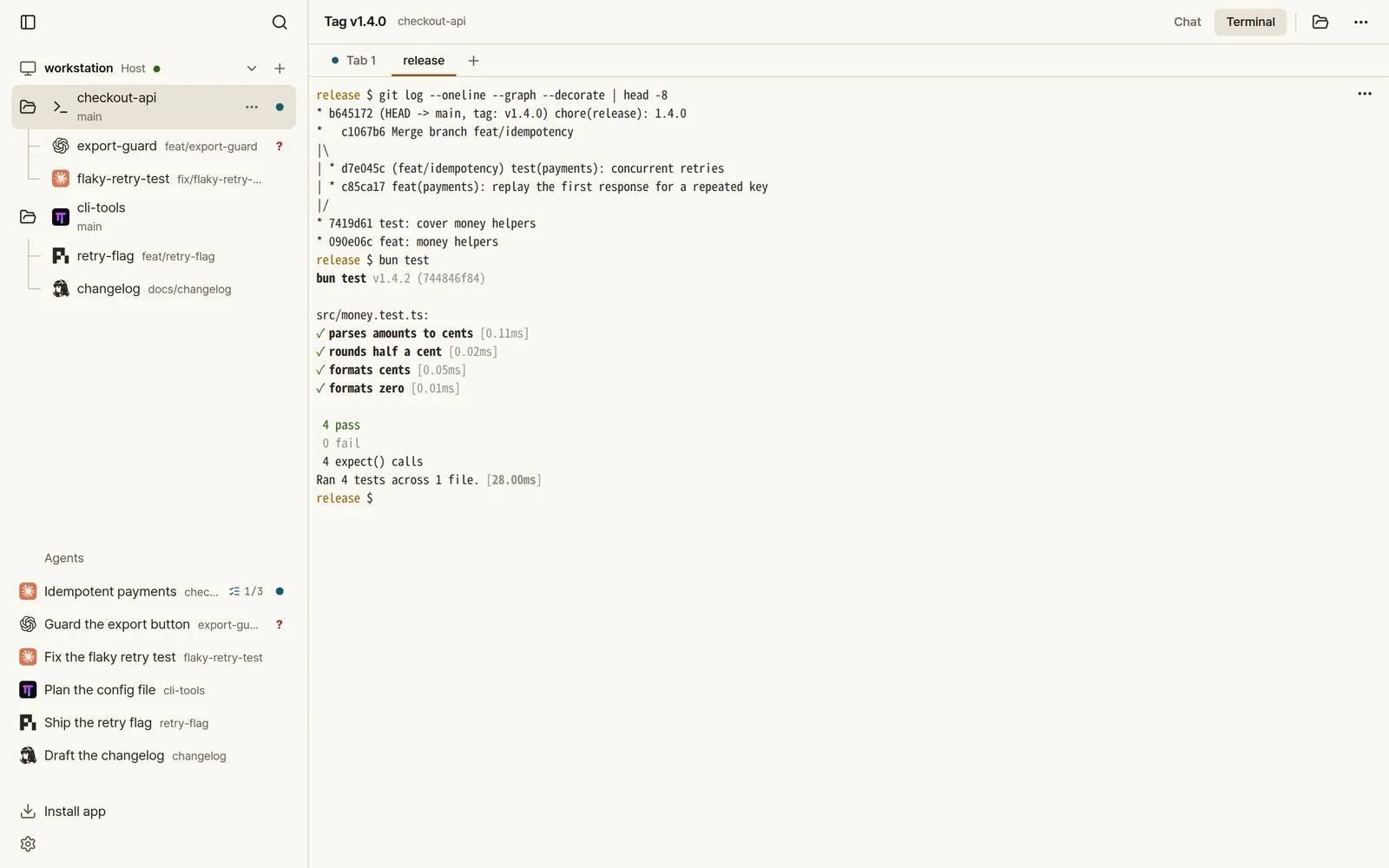
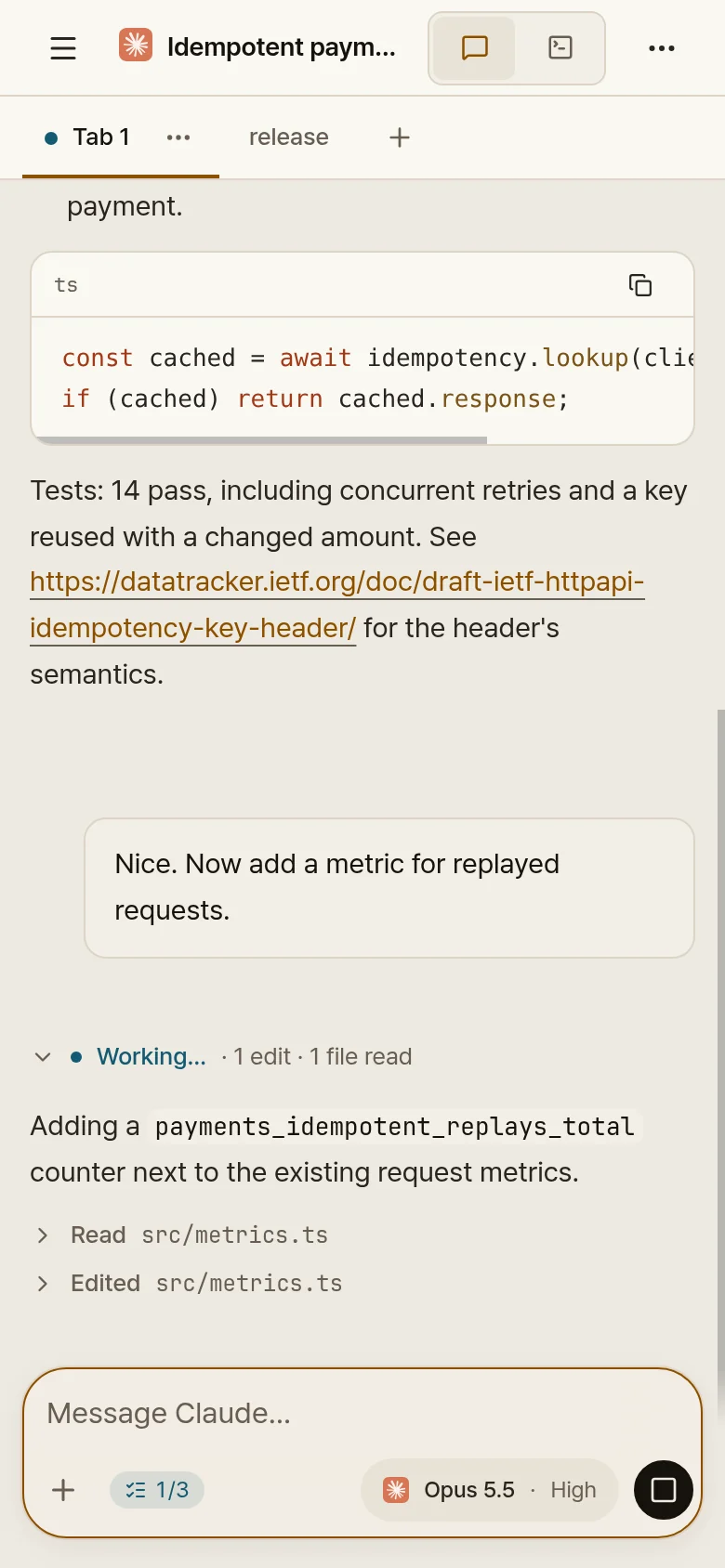
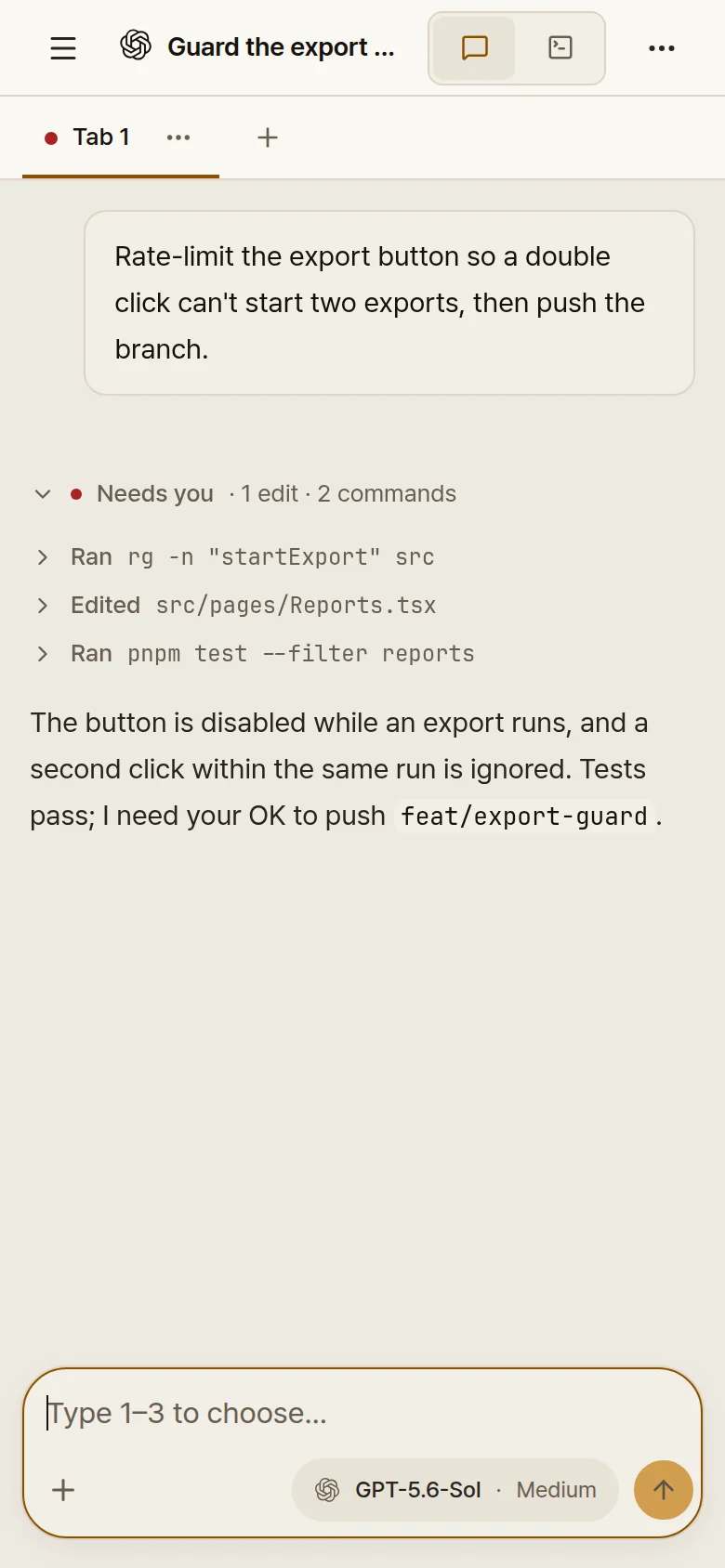
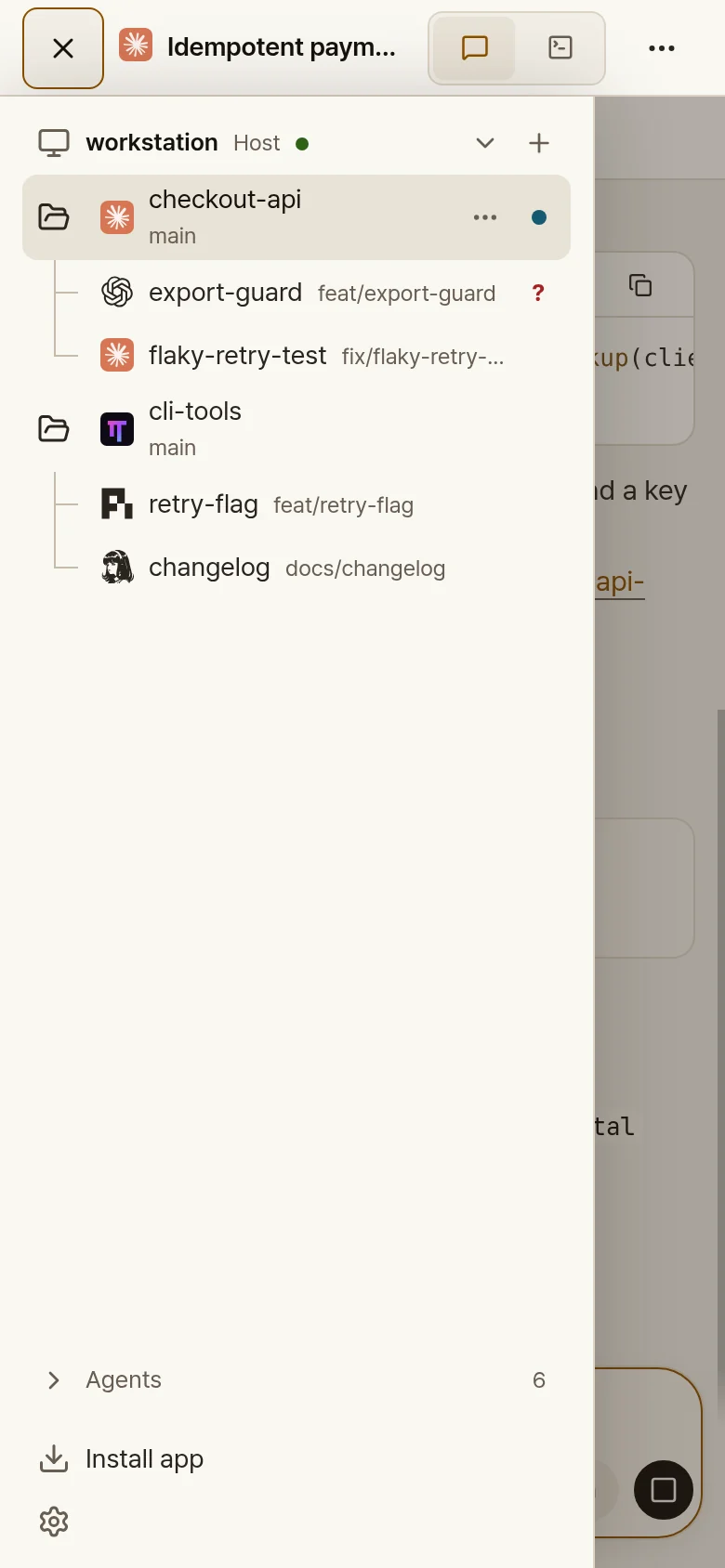
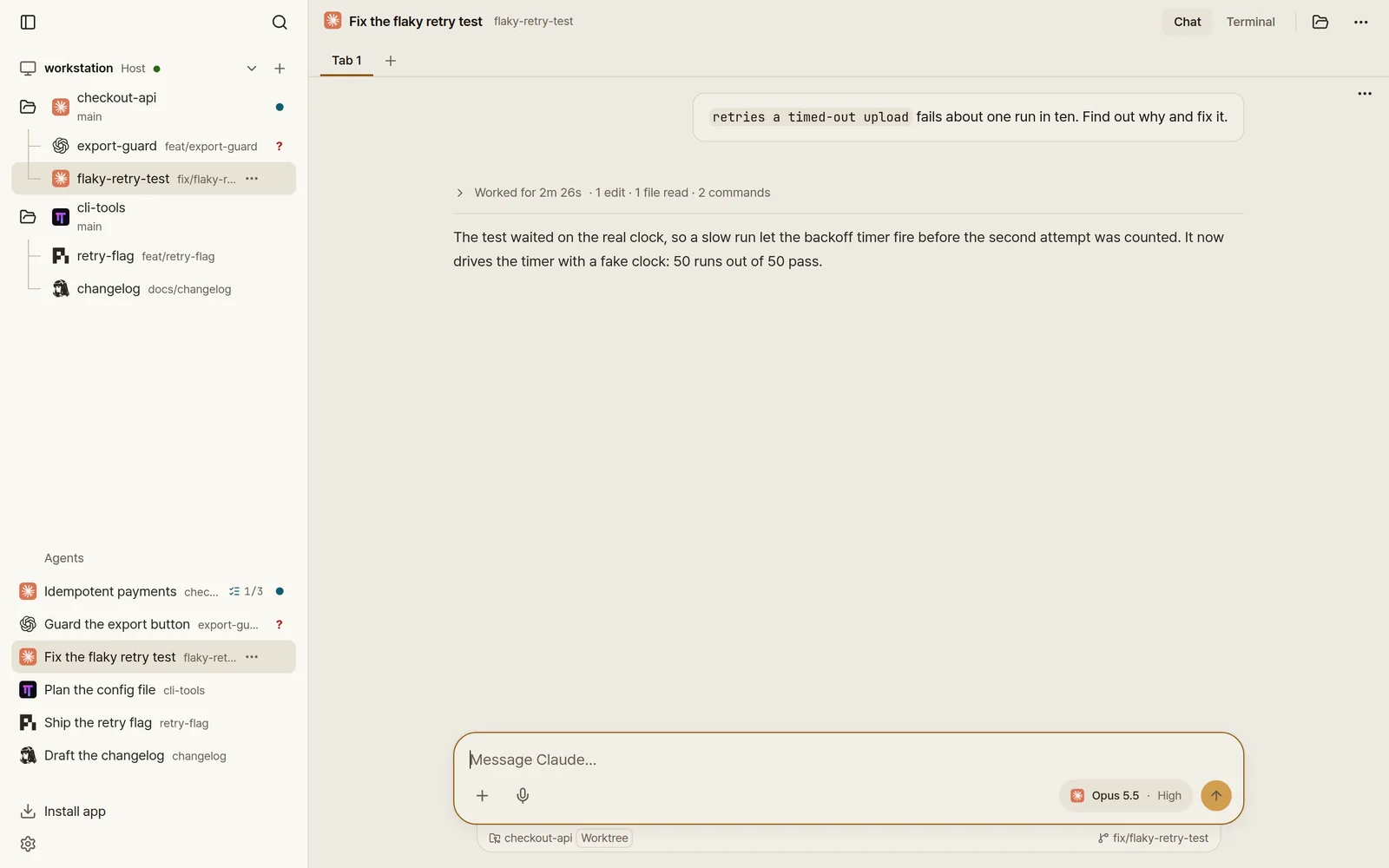
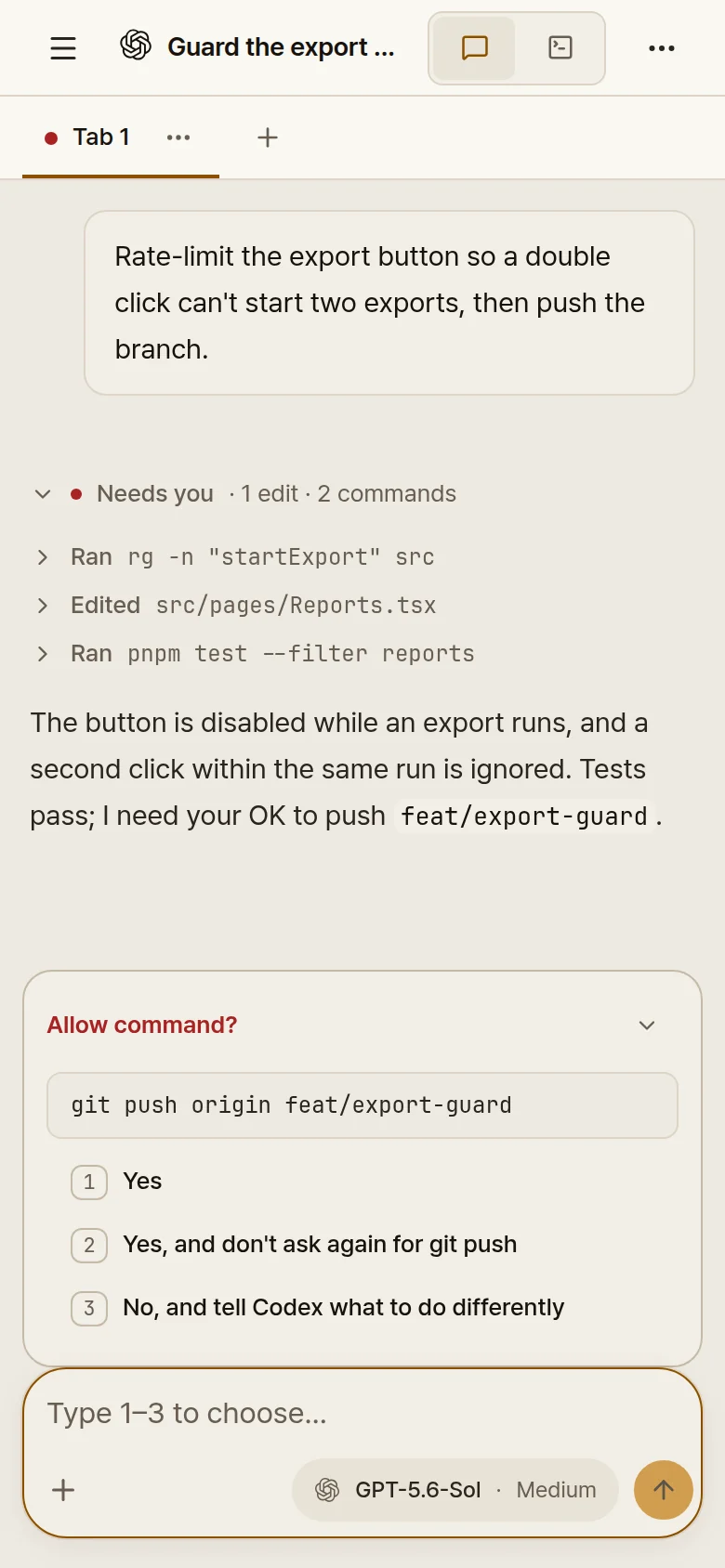
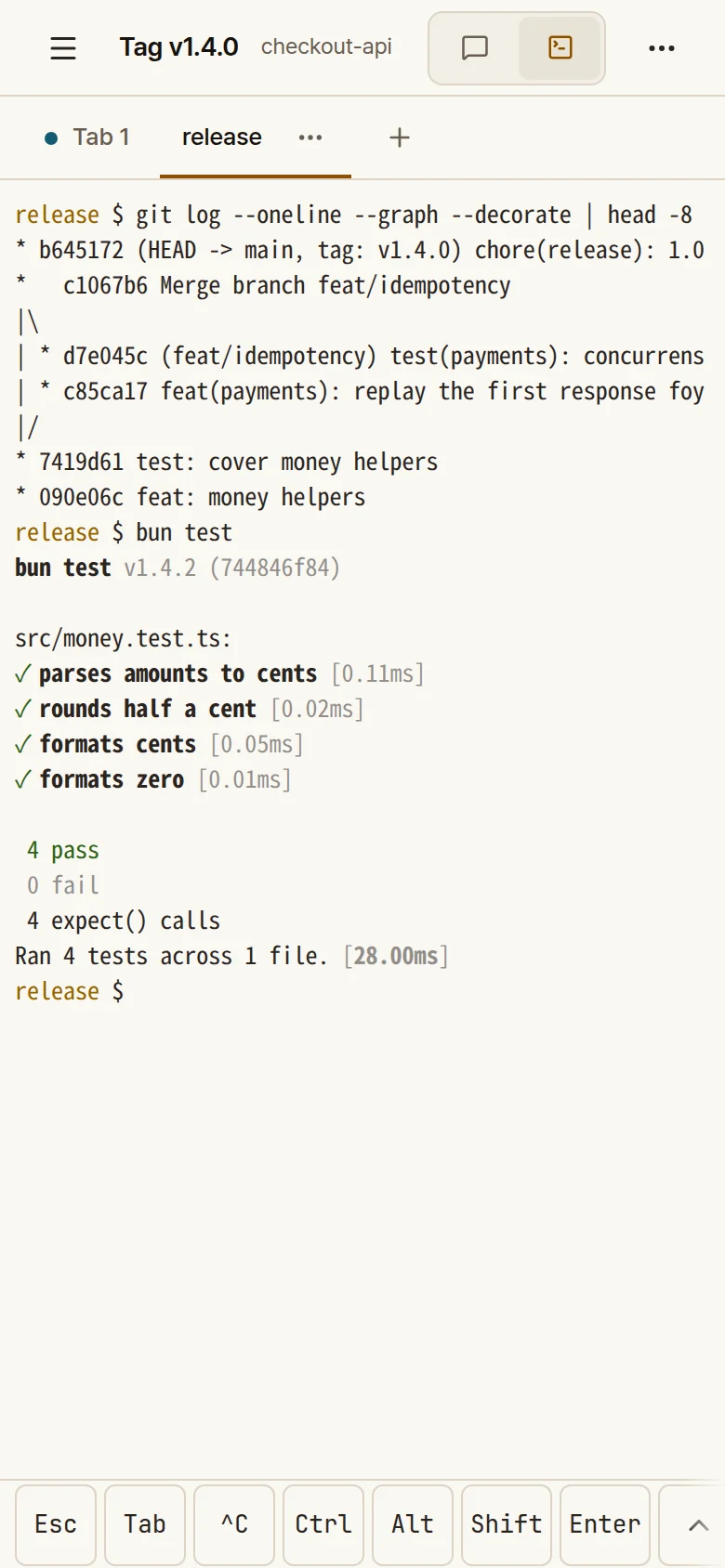
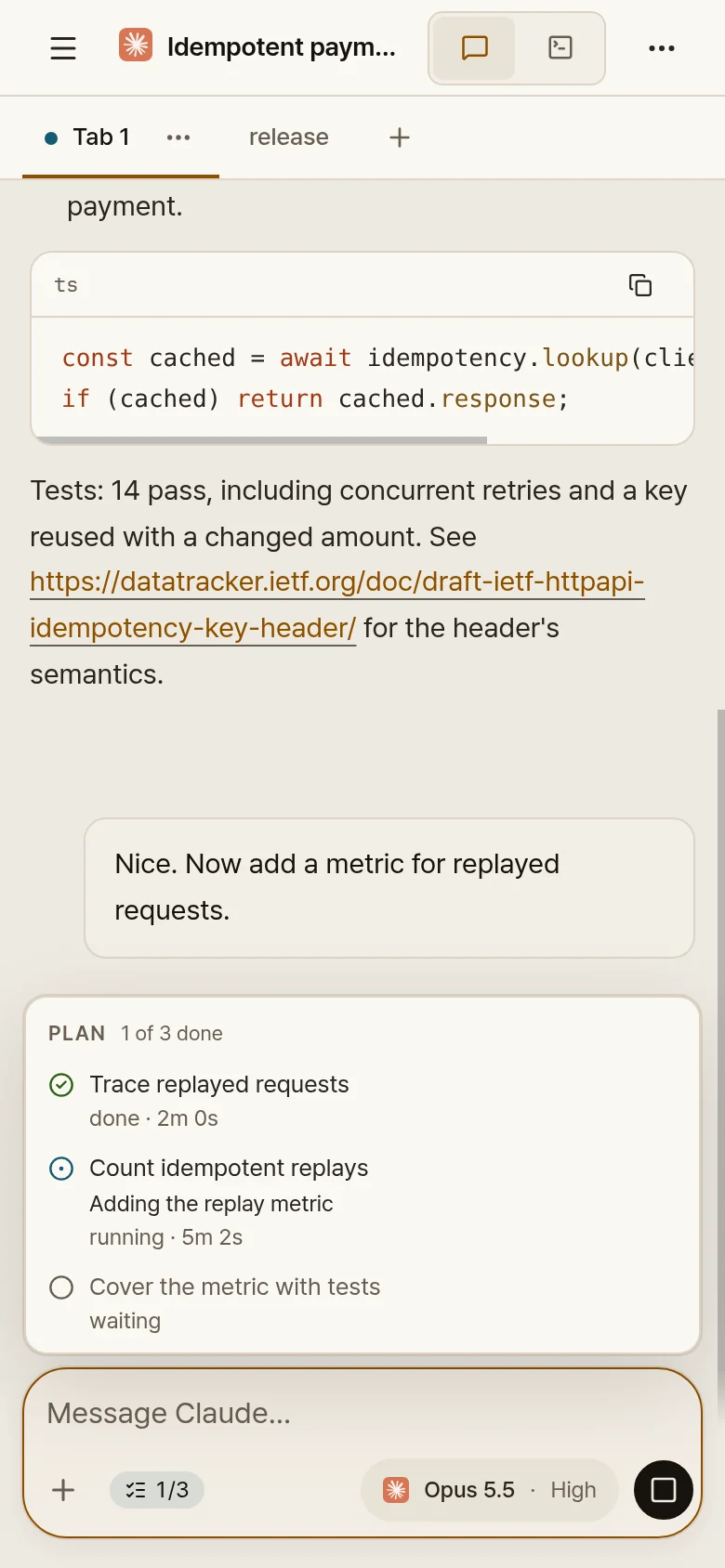
The same Claude Code chat in your desktop browser and on your phone.
What people say after trying it, in their own words.
 Q@q_yeon_gyu_kimi think this is the best util for the herdr orchestration … very stable and useful especially on that mobile remote
 Ariel Esteban Alfaro@NeoAriel18I can't say it enough, your work is amazing! It really helps me step away from the computer and get a bit more of a real life
 yo@chobijaeyu试了试 herdr web ui,真的很好用!能在浏览器和手机上直接看 agent 会话、用聊天方式回复,还能一键切到实时终端… 体验丝滑。强烈推荐给还在用 herdr 的朋友们!
 Alex Mohr@mohrservicesTerminal at home, chat on the go is hard to beat
 Heejoon Lee aka 와페@galadbran역시 herdr web ui 가 원격 작업에는 최고인듯
 たまぼー(TAMABOU)@terutakaokうひょーー
tailscaleとherdr web ui でスマホから操作できた!
たまぼー(TAMABOU)@terutakaokうひょーー
tailscaleとherdr web ui でスマホから操作できた! Jakob@_jjsteffenI switched from T3 code to your app and it's so much more reliable! Keep up the good work
 future@spark02537425I've been using herdr-web-ui for quite a while now. It's an excellent piece of work, thank you very much.
 Geto@Getoxddproba herdr web ui … Lo interesante es que podes usarlo en tu celular ahora y funciona perfecto super recomiendo
 Thomas Mecattaf@_biased_Really loving this product. Thanks for sharing!
 hanip@hanipcodemantap juga ini. akhirnya bisa pake herdr dari mobile tanpa harus pake terminal di mobile 🥹
 itwes1ey@itwes1eyI use herdr-web-ui yesterday and I like it, great project. 👍
Five things you will use every day, on the desktop and the phone.
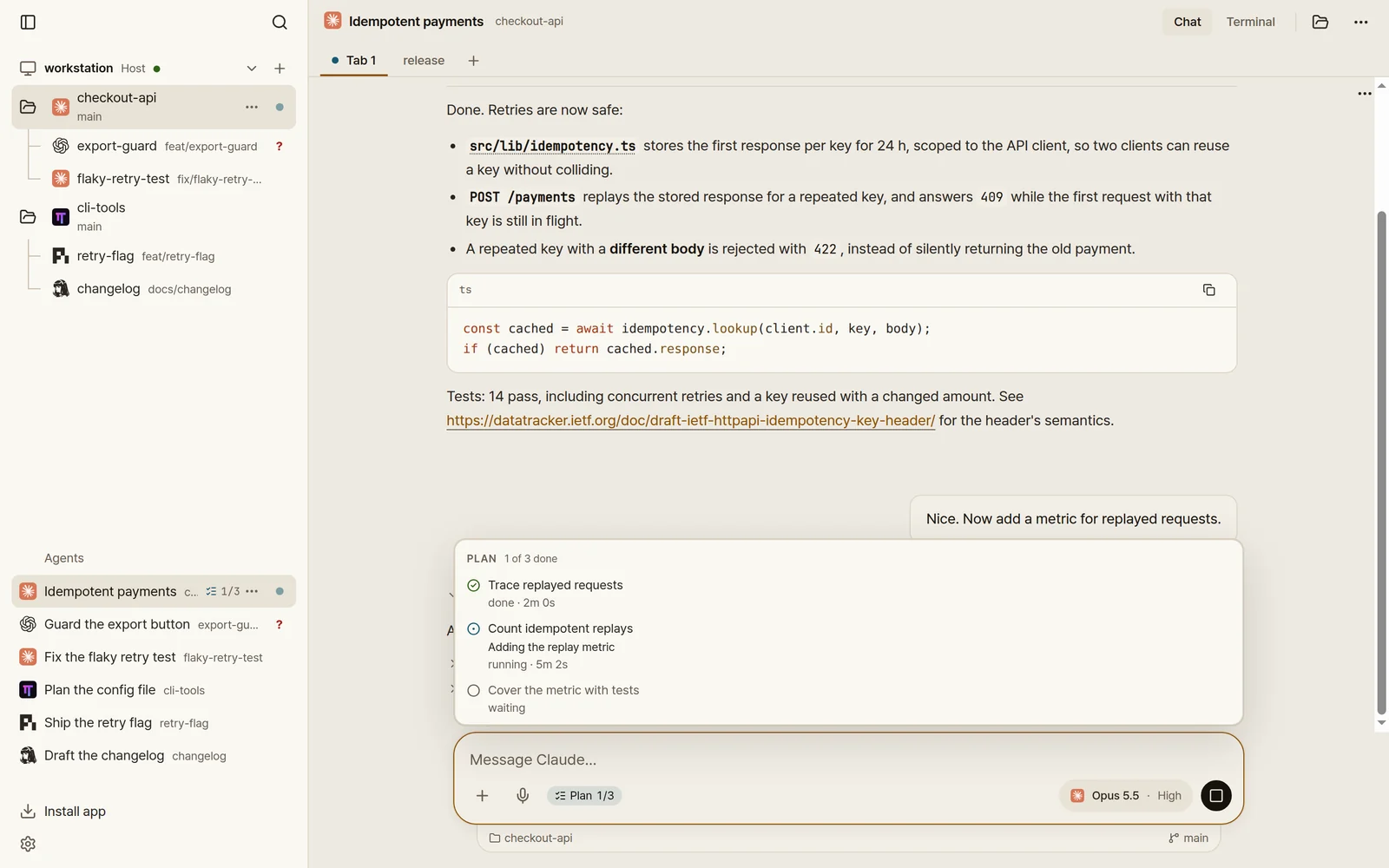
Bring your own subscriptions.
Start an agent at your desk, answer it from the couch, check on it from a laptop.
Ovis for Mac sets everything up in one click, with no terminal needed.
Open Ovis in any browser, on any computer. Nothing else to install.
The same chats and cards in your pocket, with a built-in demo to try first.
Add more computers and switch between their agents from one list.
No account and nothing to sign up for. Your code stays on your computers.
Ovis talks straight to the PCs you add. There is no Ovis server in between.
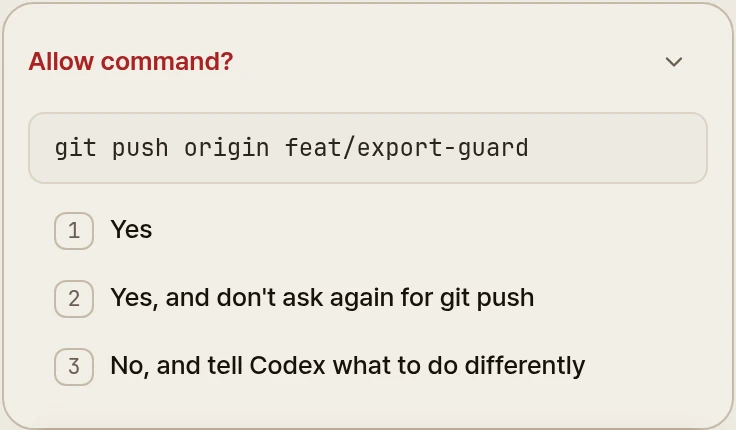
Claude Code, Codex and every other agent herdr runs, used the same way.
Agents read like a conversation. The live terminal is one tap away.
Questions and approvals arrive as cards you tap, so you can step away.
The apps and the server on your computer are open source under the MIT license.
curl -fsSL https://ovis.sh/install.sh | sh On Windows, in PowerShell: irm https://ovis.sh/install.ps1 | iex On a Mac, you can download Ovis for Mac instead, which sets it up in one click. Then open it in any browser, or scan the QR code in Settings → Phone & devices with the phone app.

Free, no account. Download Ovis for Mac or open it in any browser today; the iPhone and Android apps are in beta.